About GIMP
Homepage
FAQ
supported image formats
toolbox/feature set
screenshots
installation
Brushes
Arrow brushes
Cursor brushes
Circle brushes
Checkmark brushes
Plug-ins
Arrow generator Plug-in
SVGpage
SVGpage main
SVGpage Readme
SVGpage changelog
SVGpage download
Autotrace manual
Simple How-TOs
Common Preferences
making a line
Making Selections
rectangles + ellipses
hand-drawn
fuzzy select
select by color
paths and trickiness
selection options
Transparency
when image is created
for one color
all but a selection
layered opacity
Using Text
basic text tool
freetype plugin
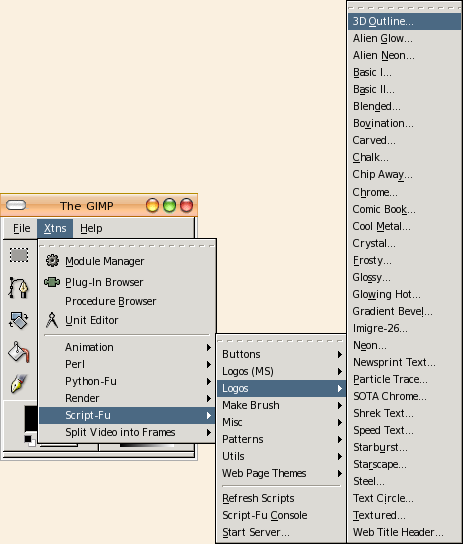
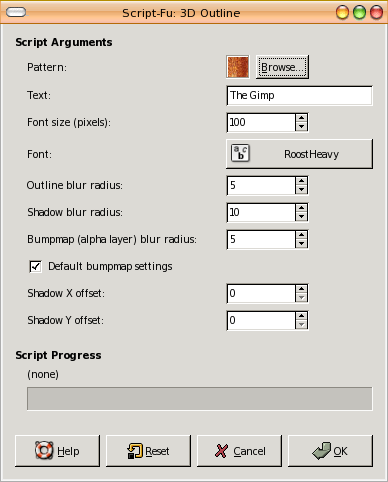
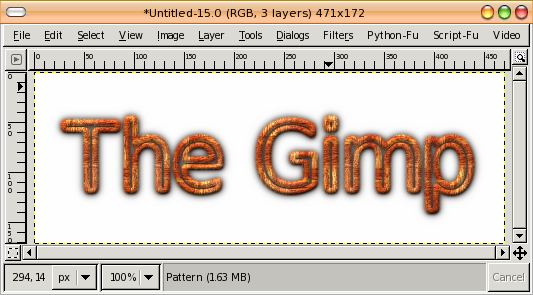
Xtns>Logos
image rotation
drop shadows
controlling contrast limit colors 1
Tips N Tricks
more selections
advanced color control
colorizing techniques
layers 1
layers 2
Examples
GIMP SplashScreen
Blue Heron Moon
WPClipart collection
Fav Resources
Coming
|
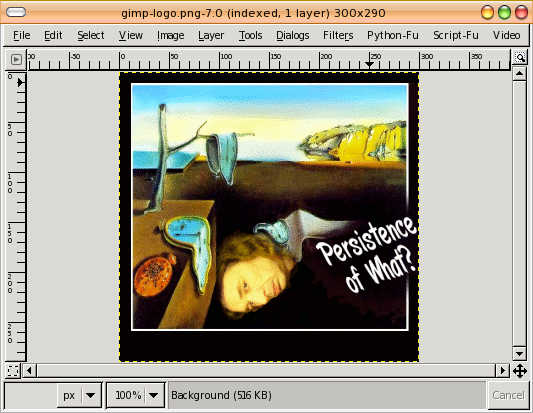
Below are screenshots of GIMP componants and menus. For a screen of the toolbox with item descriptions see the: toolbar/features page. Color selection (foreground) 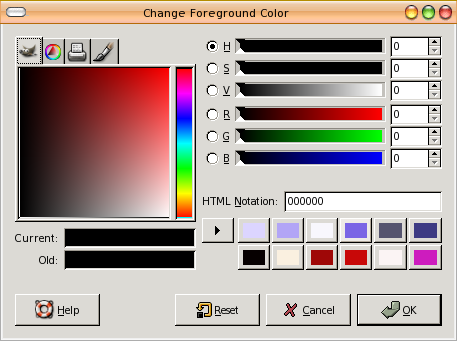
Brush selection 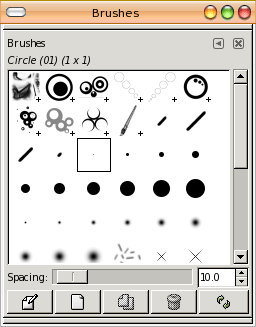
Pattern selection clicking on a pattern shows it full-sized, as with the lightening below (grass and skintone patterns were add-ons . . .) 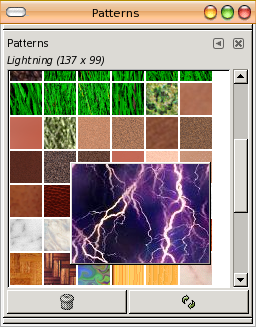
|