
This is a non-adjustable script
it prepares line art to be colorized.
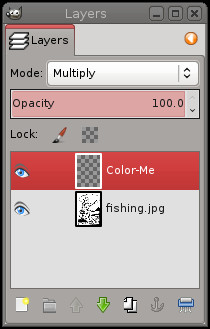
To colorize line art, the best way is to make a new transparent layer and set it to be in "multiply" mode. That's really all this does... saves you a few steps and makes it easy if you colorize a section or two at a time. (Flatten image when you get a section done, then colorize prep again... just a lot less clicking and won't forget multiply mode or whatever.)
When line art is colorized in this manner, you can use the brush (at 100% opacity, for consistency) and draw right over the black line art edges. See below:
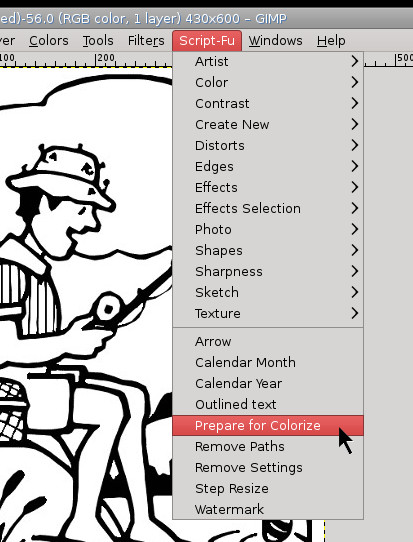
Script-FU > Colorize Prep
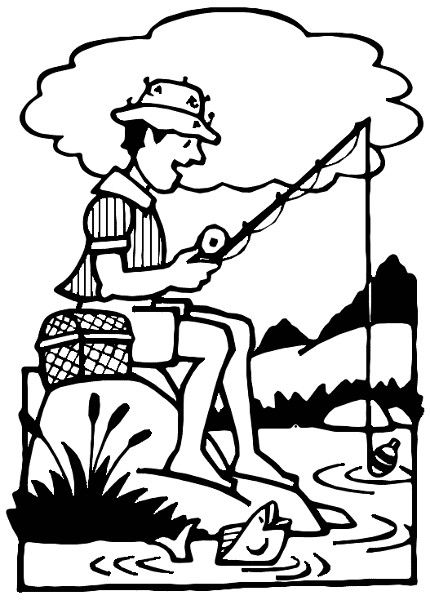
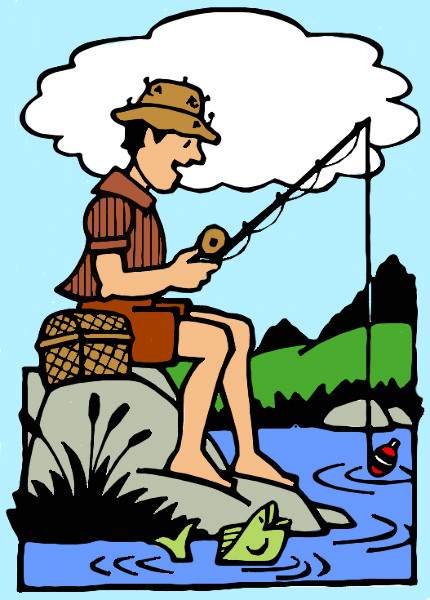
Original line art
Colorize prep menu item
Open layers Dockable Dialog
Using a color brush on lineart
(color me layer)
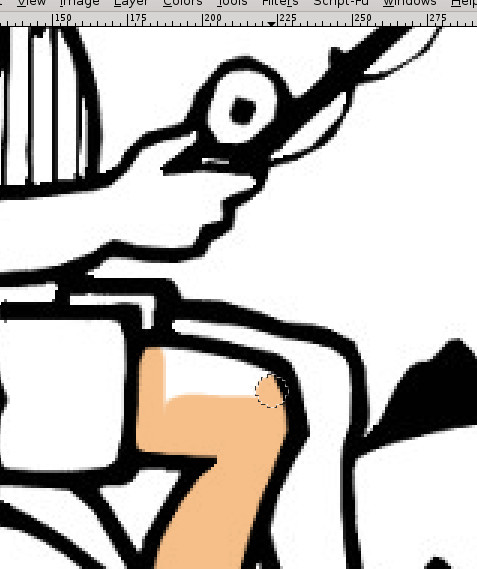
Because the layer you are painting opn is in multiply mode,
Result
Colorize prep menu item
Open layers Dockable Dialog
Using a color brush on lineart
(color me layer)
Because the layer you are painting opn is in multiply mode,
Result
; Installation:
; This script should be placed in the user or system-wide script folder.
;
;	Windows Vista/7/8)
;	C:\Program Files\GIMP 2\share\gimp\2.0\scripts
;	or
;	C:\Users\YOUR-NAME\.gimp-2.8\scripts
;
;	Windows XP
;	C:\Program Files\GIMP 2\share\gimp\2.0\scripts
;	or
;	C:\Documents and Settings\yourname\.gimp-2.8\scripts
;
;	Linux
;	/home/yourname/.gimp-2.8/scripts
;	or
;	Linux system-wide
;	/usr/share/gimp/2.0/scripts